Our System.
Automated
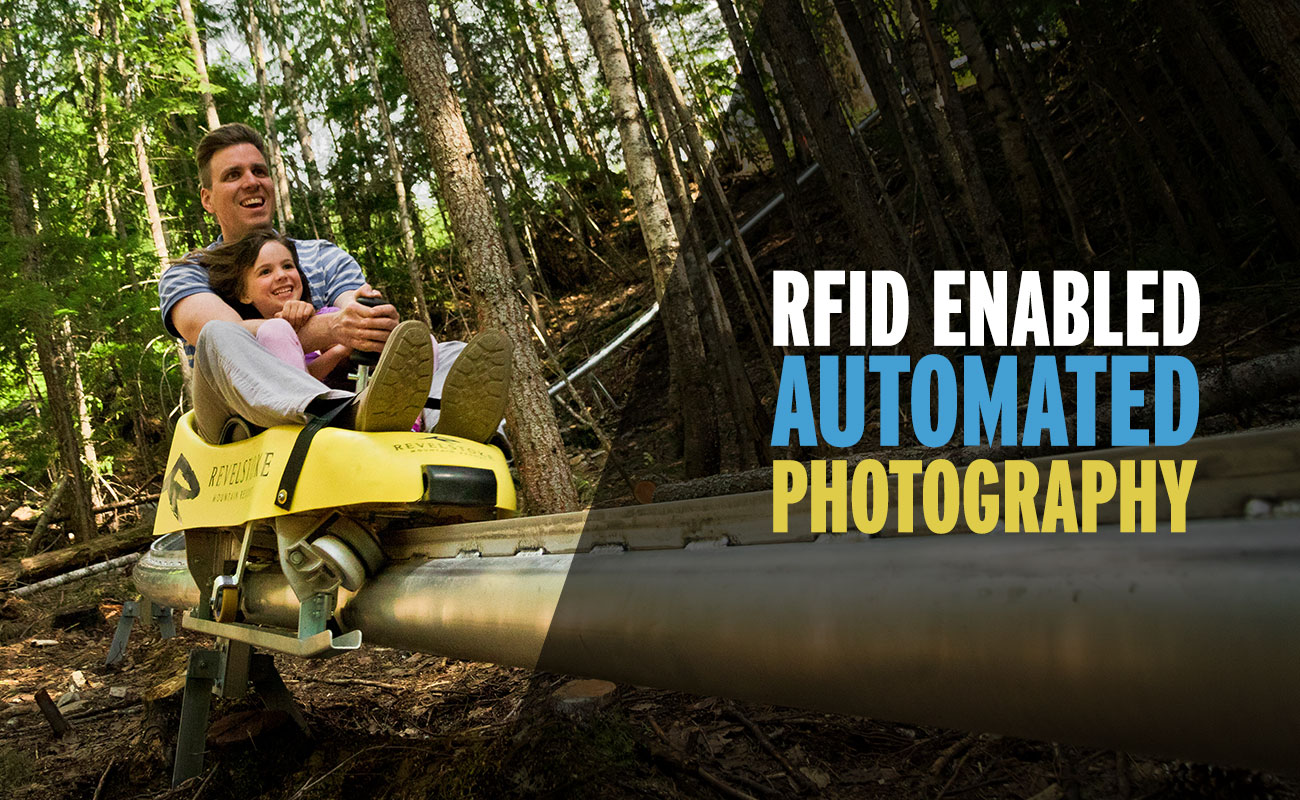
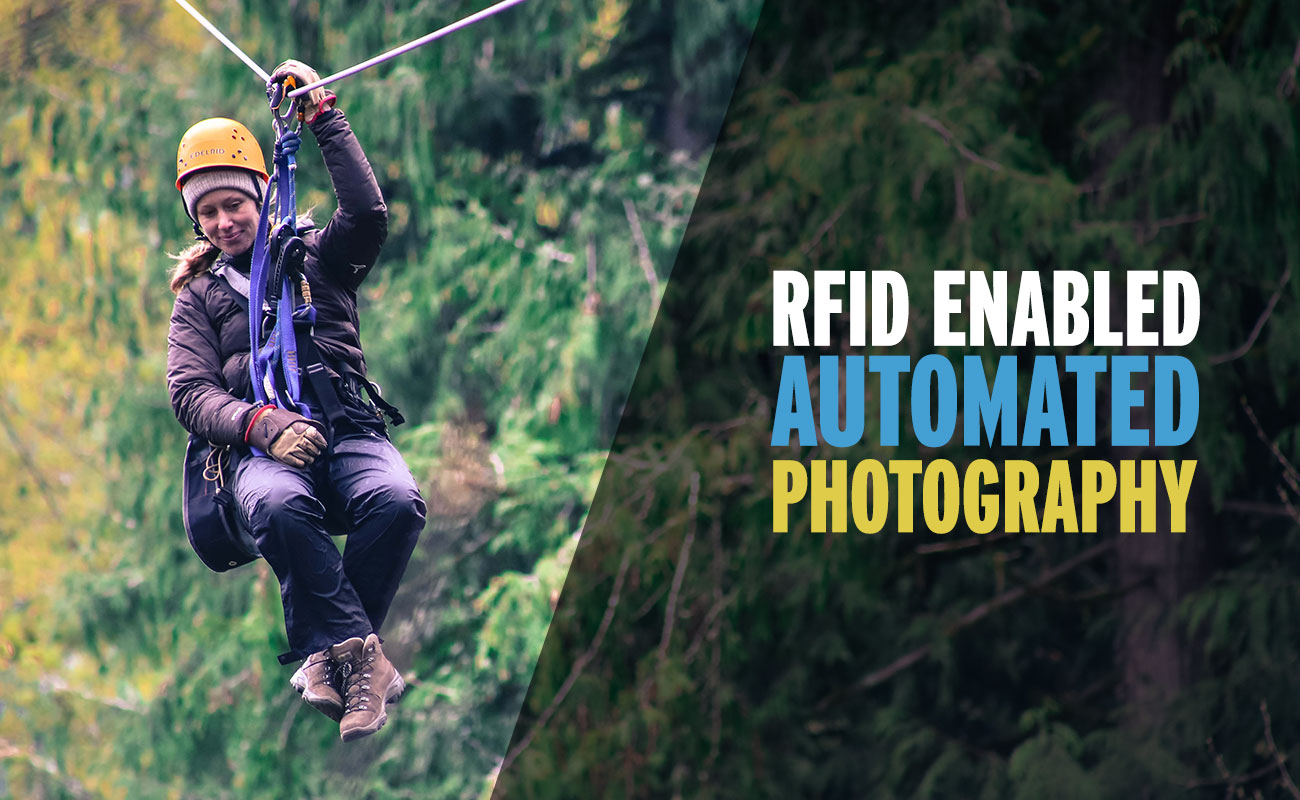
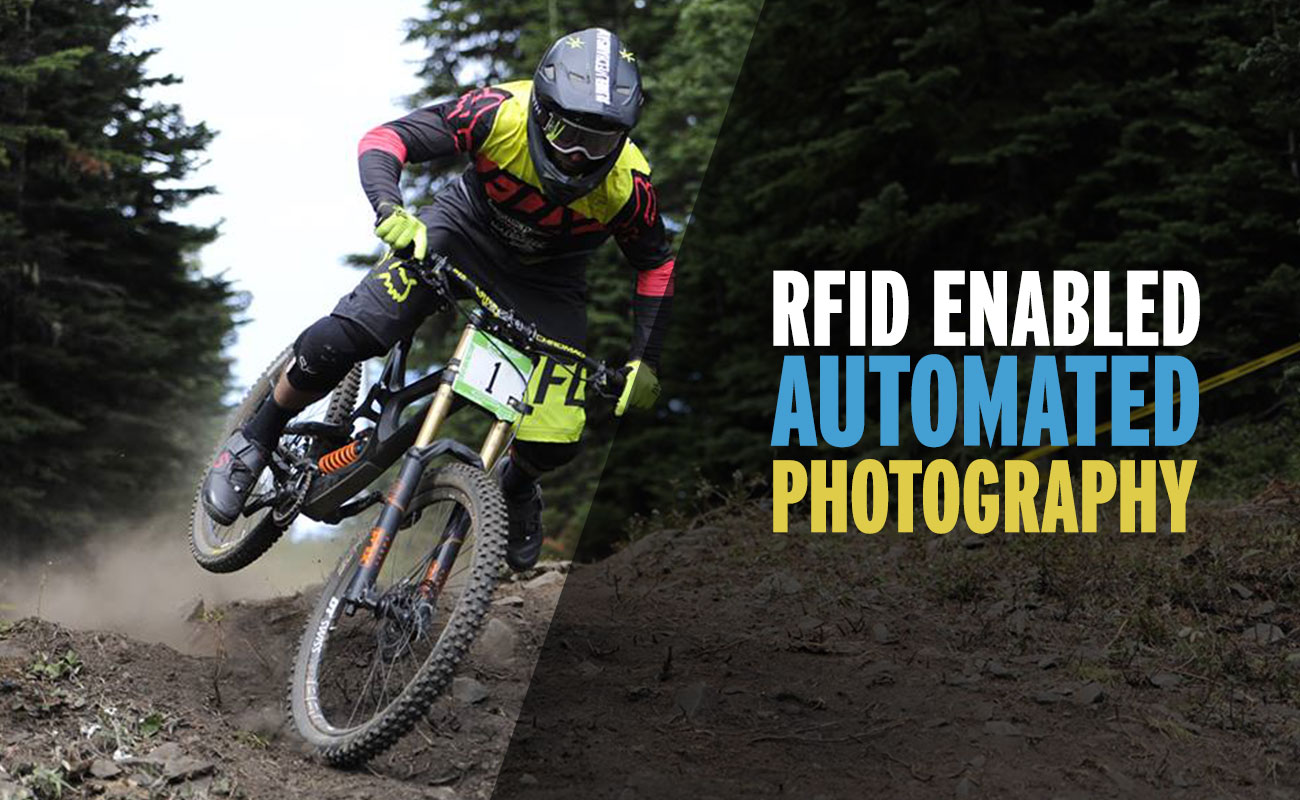
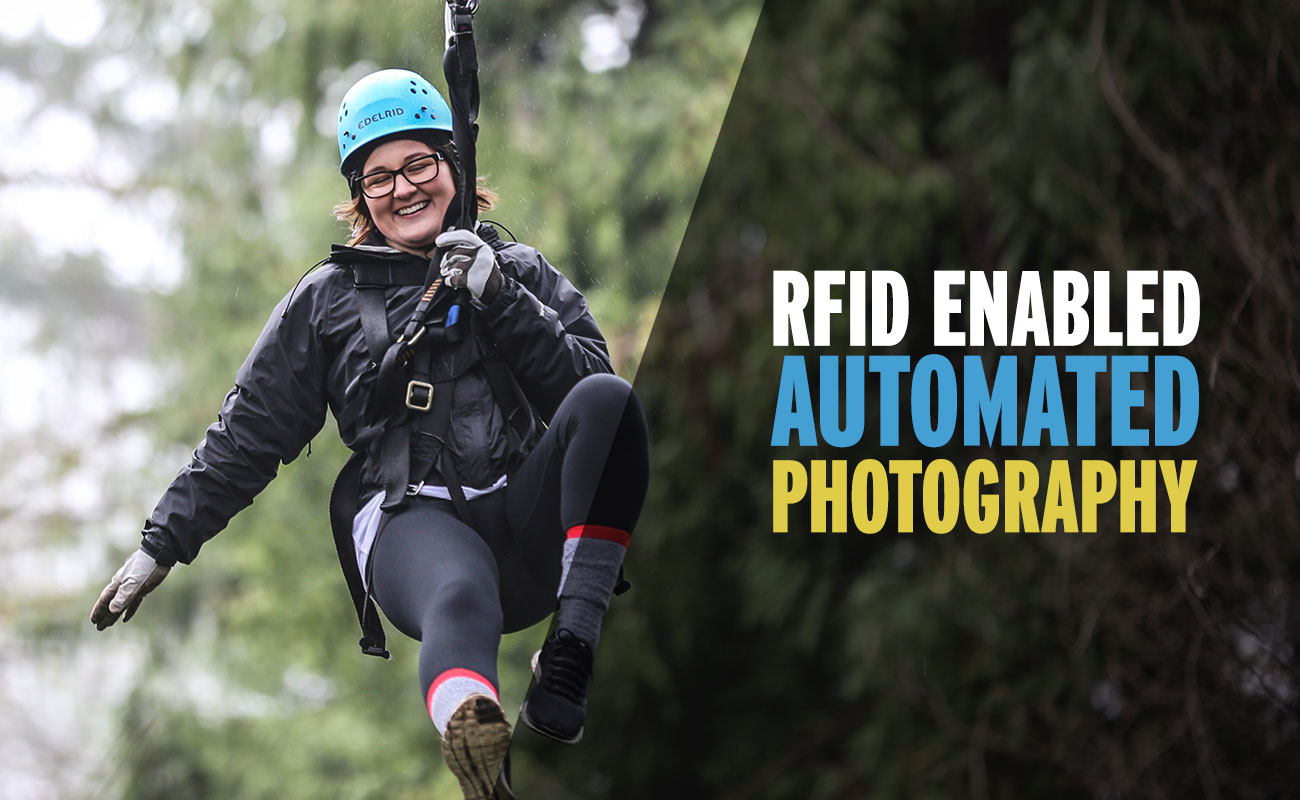
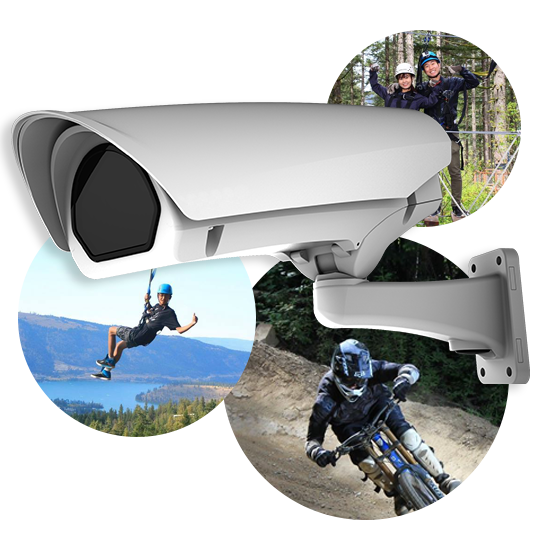
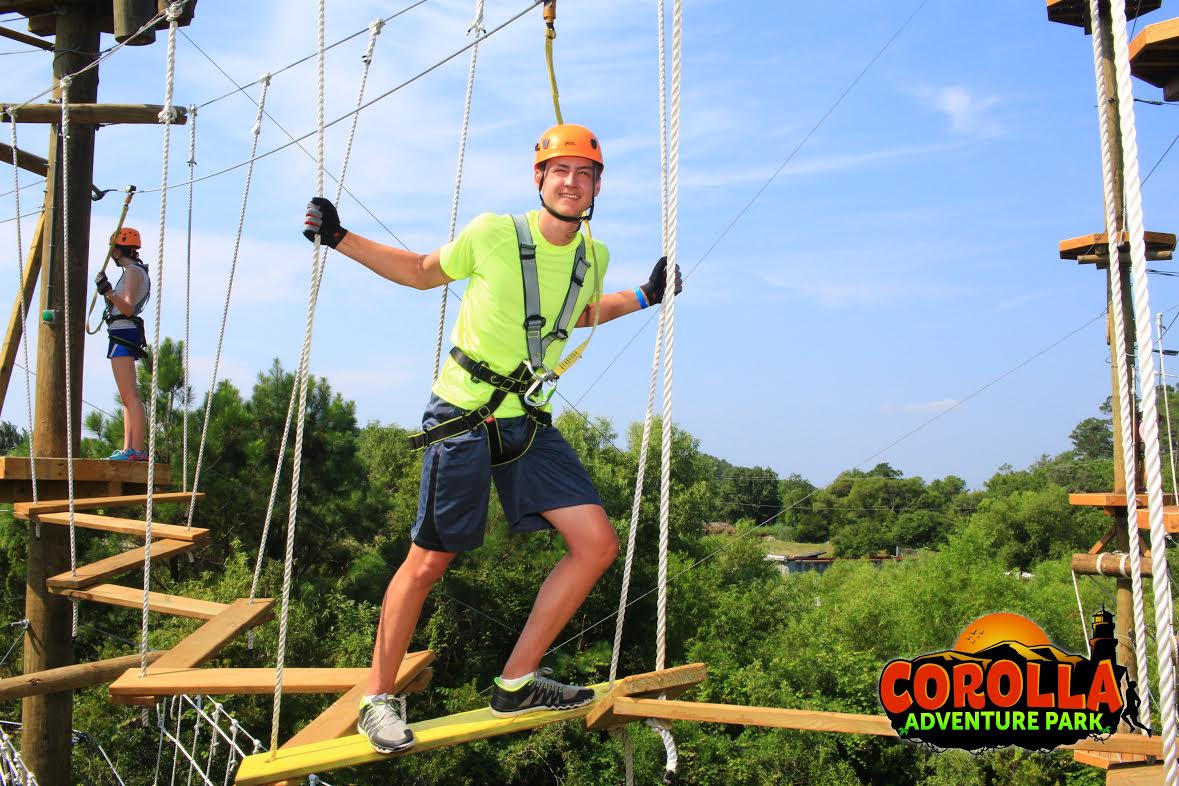
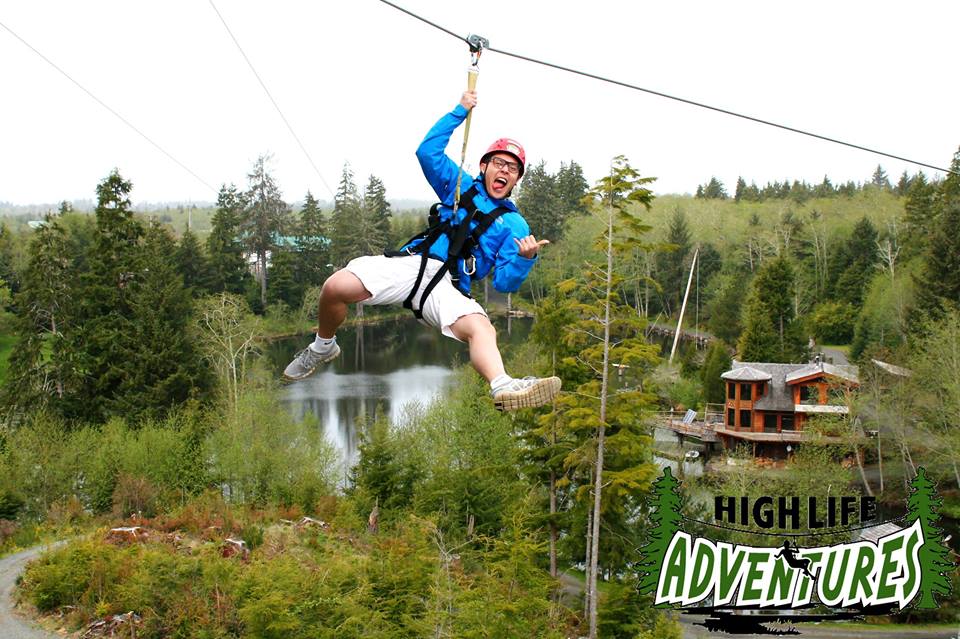
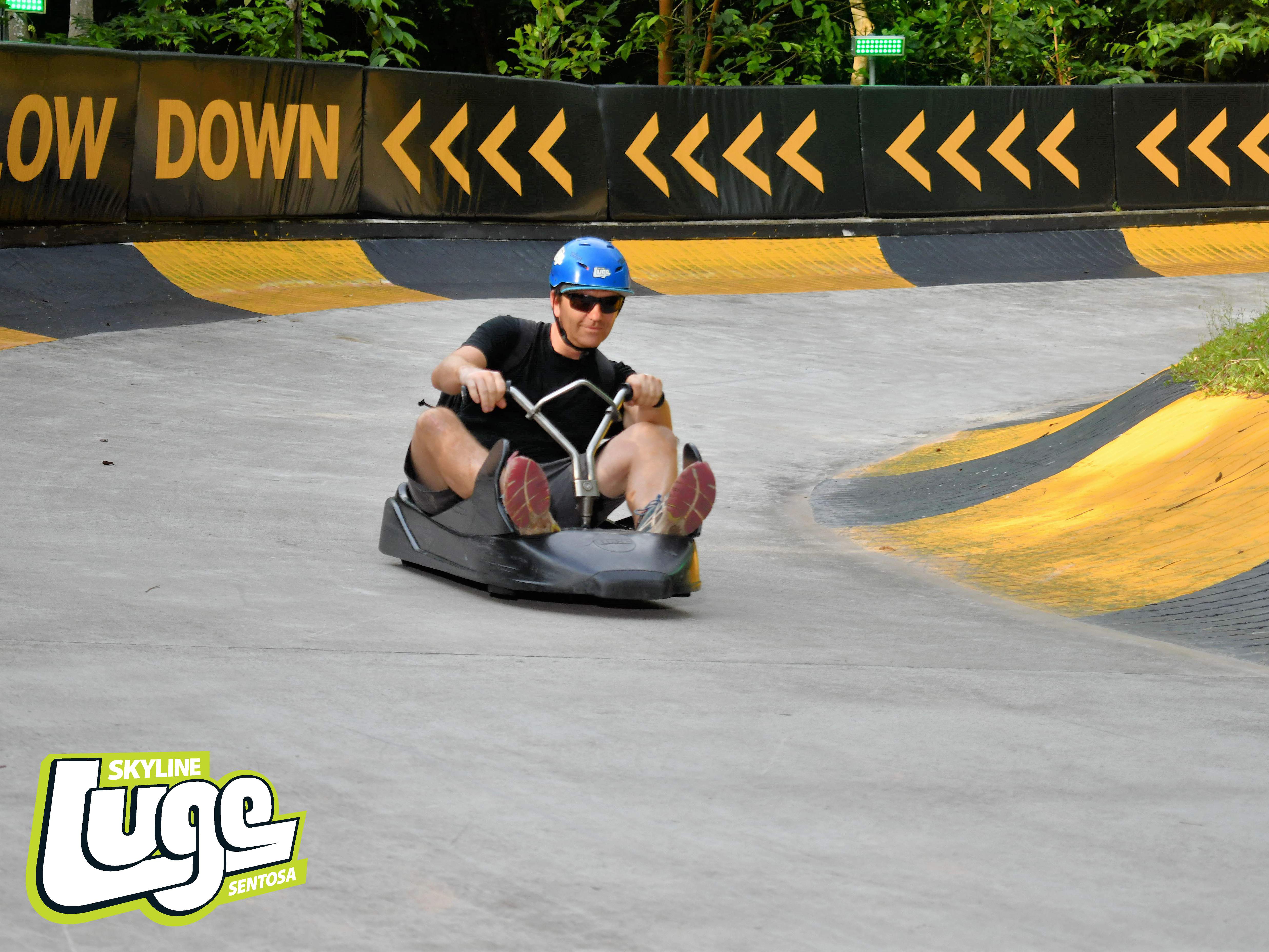
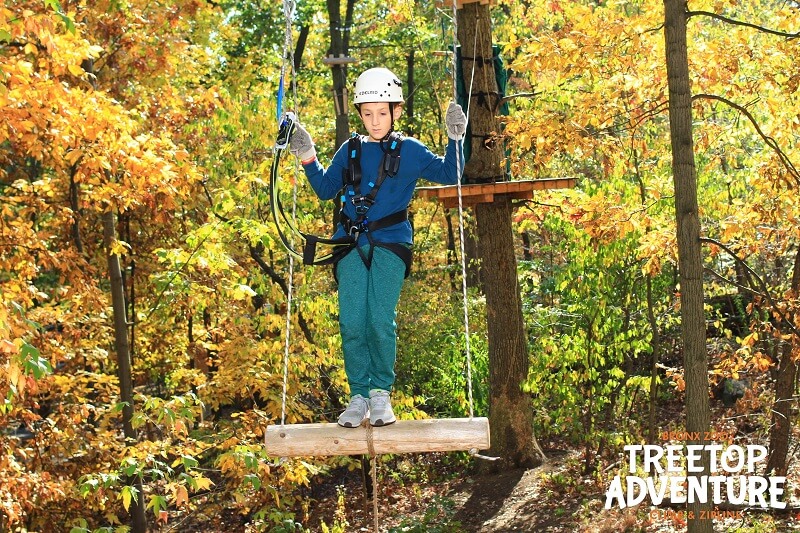
High quality automatic cameras for your zipline photography and selfie stations.

Testimonials
During August, our busiest month for us, we had a record month for photo sales.

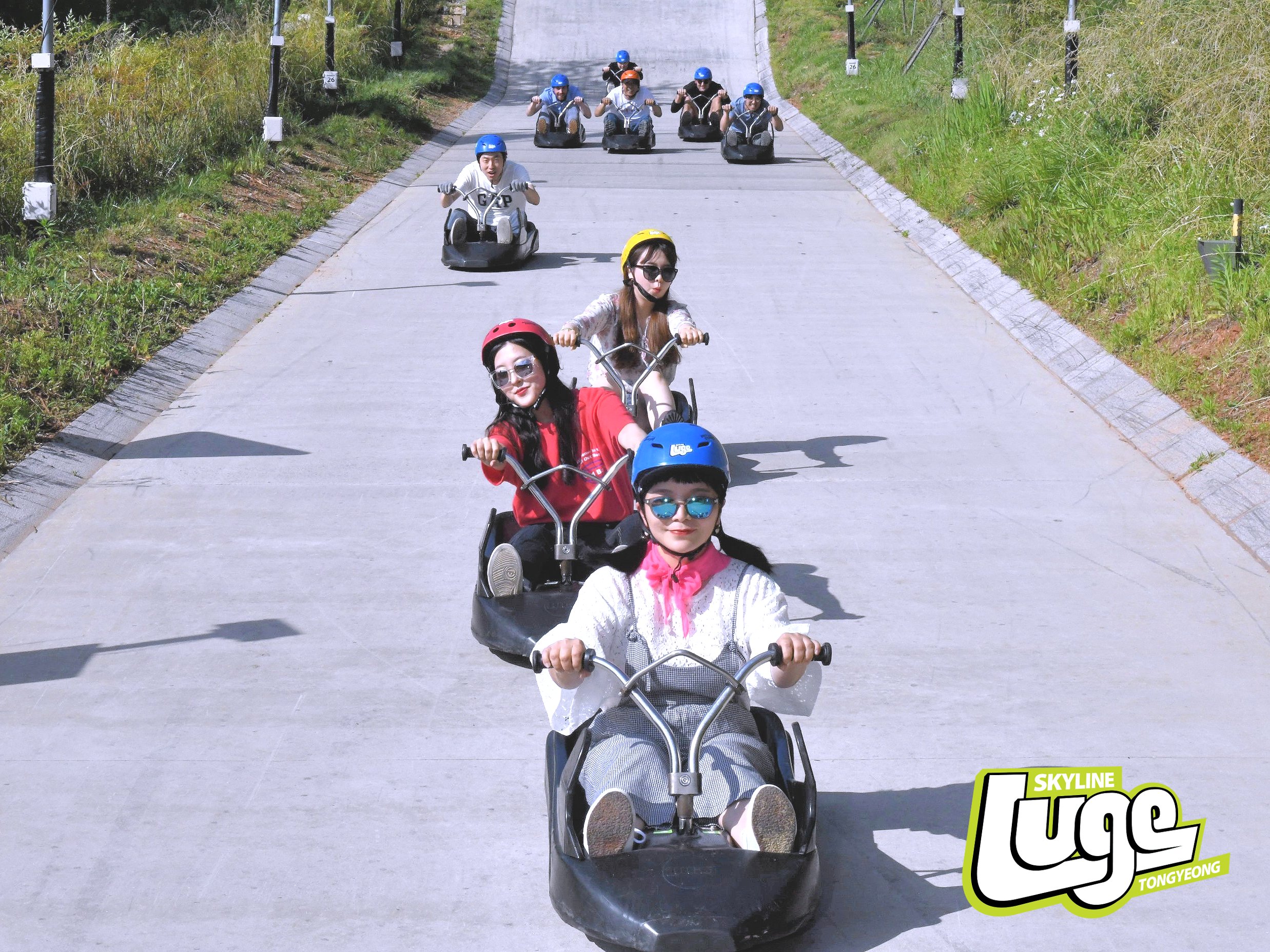
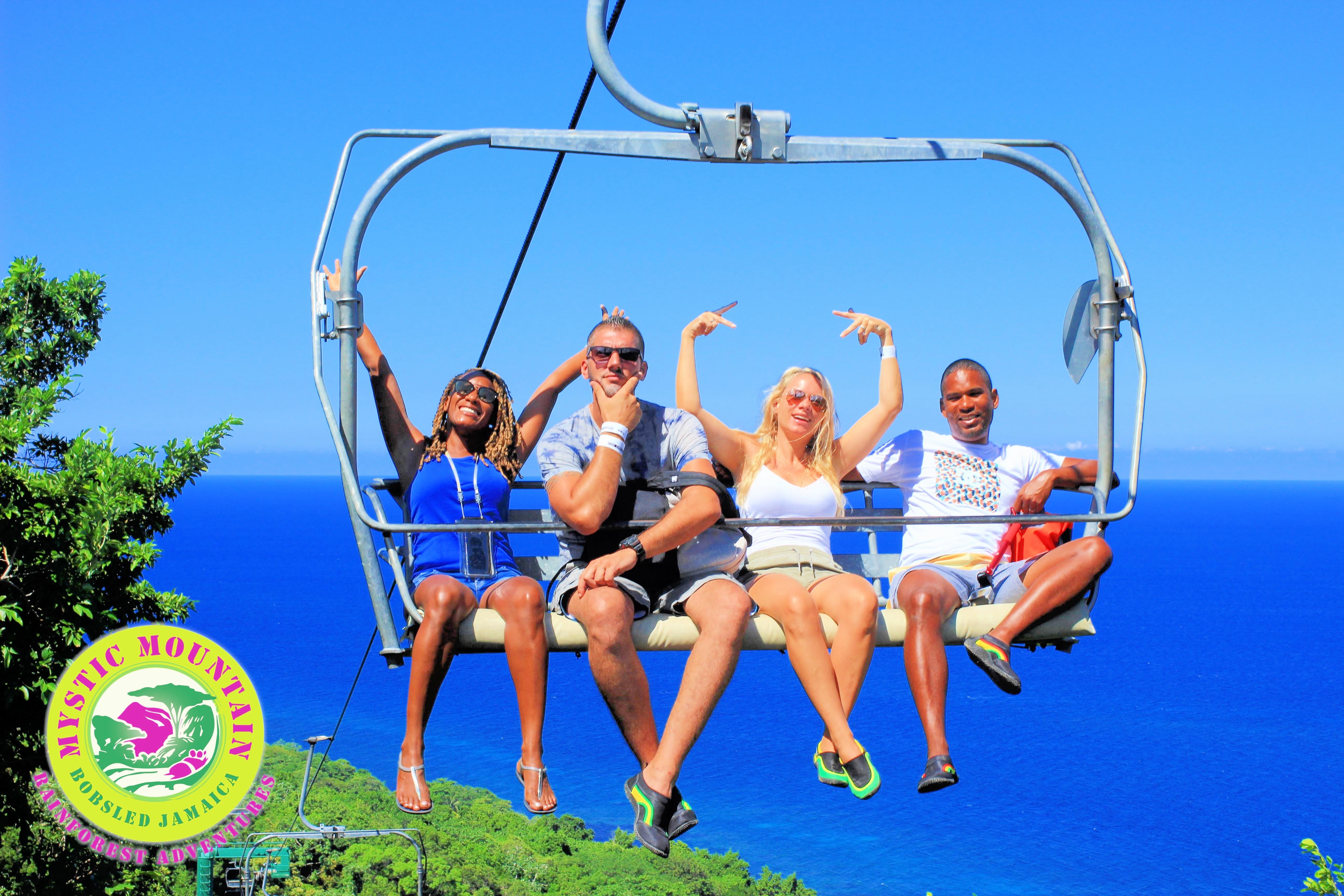
People love pictures of themselves and their friends; Sniper Action Photo enables us to turn their joy into revenue. It’s so fun to watch people look at the pictures after their tour, it’s like they’re reliving the experience. That’s what we hope the pictures will do for a lifetime.

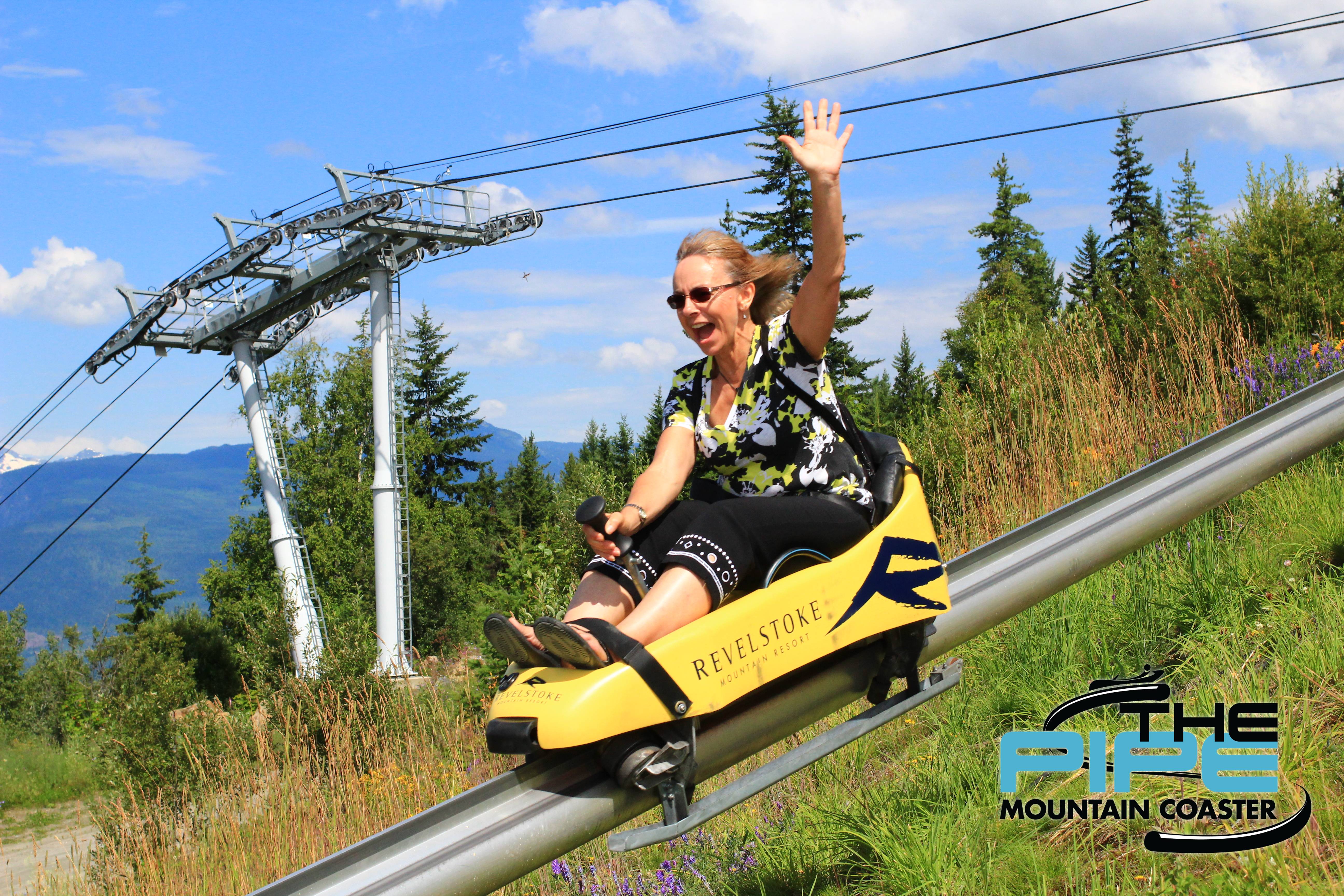
Sniper Action Photography was truly a pleasure to work with on the installation and launch of their system for our mountain coaster thanks to their professionalism. The photography options and quality of photos have been a hit with our guests while increasing exposure of our product as the guest can share the digital photos via social media and email or opt for printed copies to take home as a souvenir all while generating additional revenues.

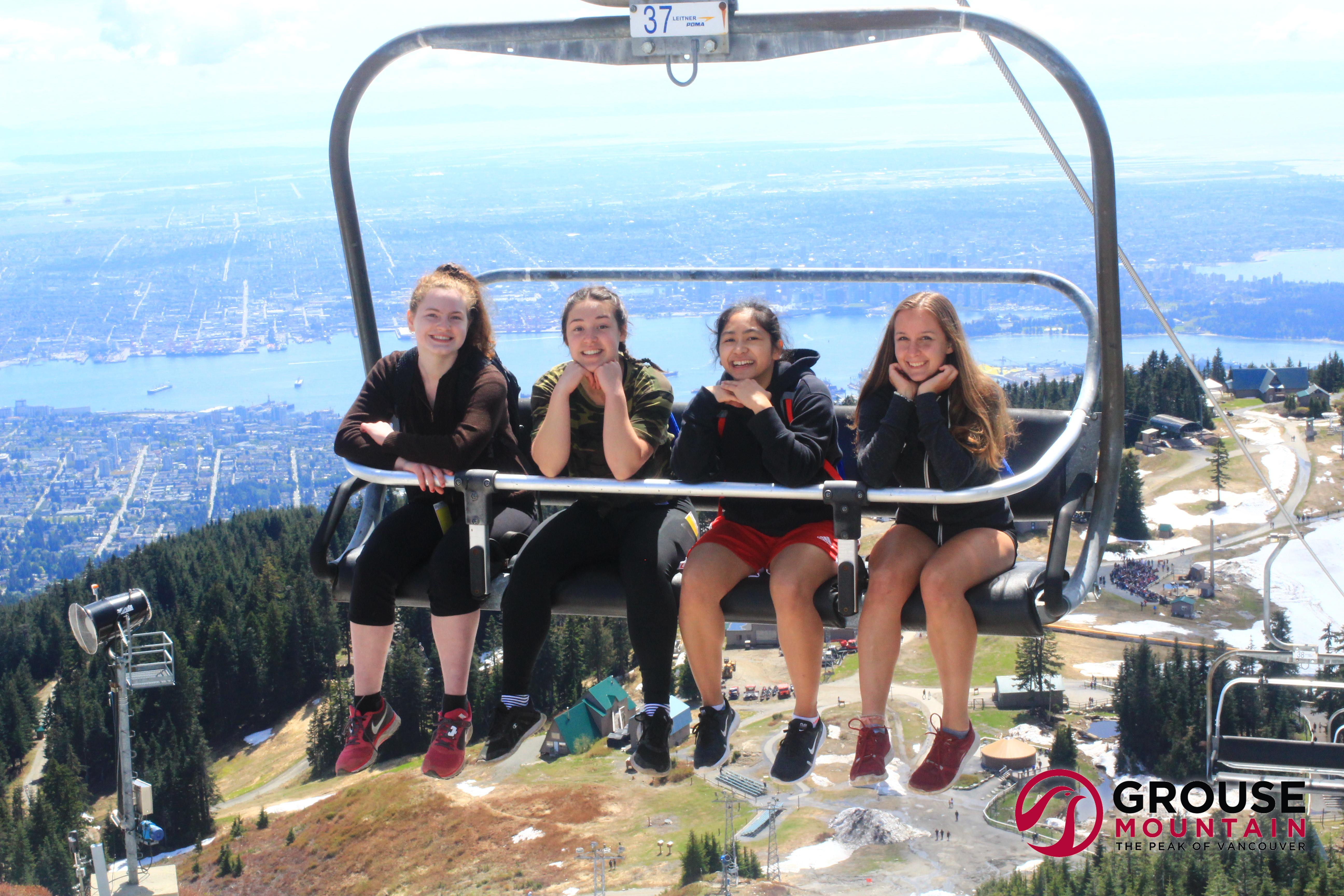
The team at Sniper Action Photo has been really great to work with. They helped guide us through the project development and when it came time to install they were flexible and accommodating. Ultimately they put together a package that has met our needs and now enables us to provide a much improved photo product for our guests. We all look forward to continuing to work together and hopefully come up with new and better ways to provide guests with a unique and memorable take away from their visit at Grouse Mountain, the Peak of Vancouver.

Sniper Action Photo has been an amazing company to work with. The equipment rarely has any problems, but when there are they are easily fixed with a quick phone call.






Contact Us
Learn how our photography and videography solutions can earn more revenue for your business.
 PO Box 358, Suite 203 – 111 Second Street East, Revelstoke, BC
 1-250-837-8537